Login and Initialization
First Login
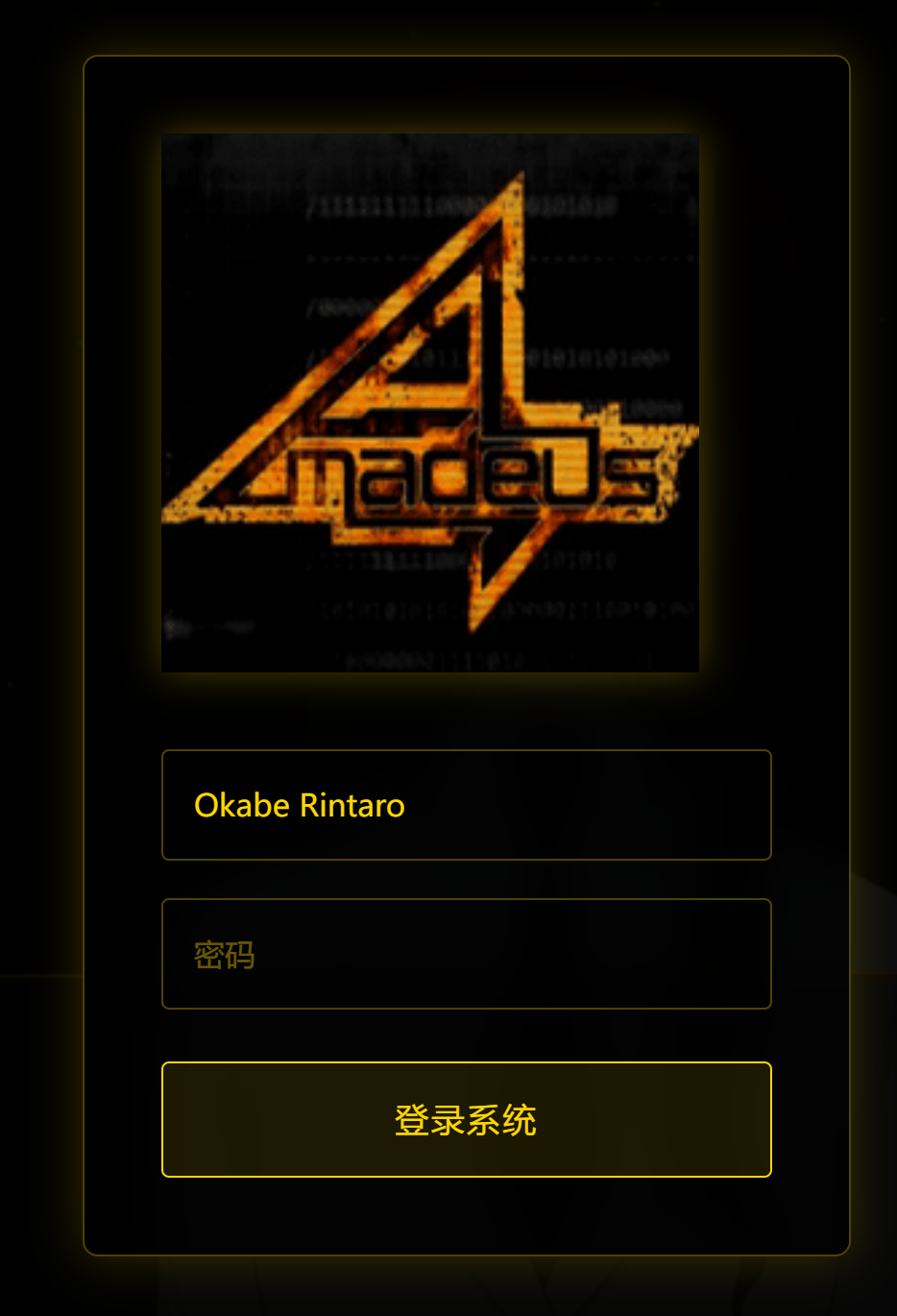
When you first access the Amadeus system, you'll see the login interface. Enter the username you configured during deployment.
System Initialization
After successful login, the system will guide you through the initial configuration:
1. AI Service Configuration
Configure your AI service APIs:
- LLM API: Claude Series or OpenAI API
- ASR API: Speech recognition service
- TTS API: Text-to-speech service
- Mem0 API: Memory storage service
2. Audio-Video Permissions
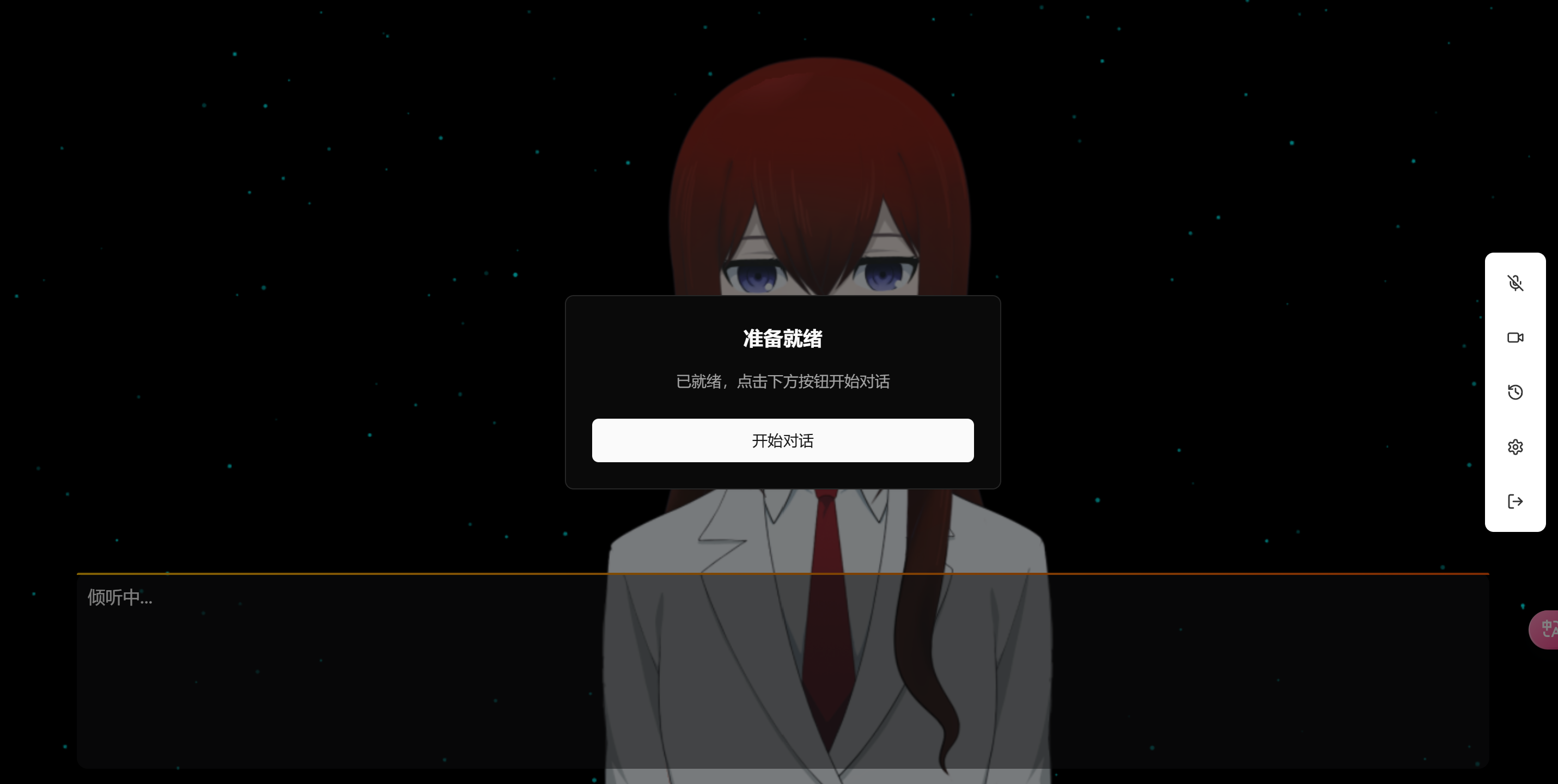
The system will request microphone and camera permissions. Please allow these permissions for the system to function properly.
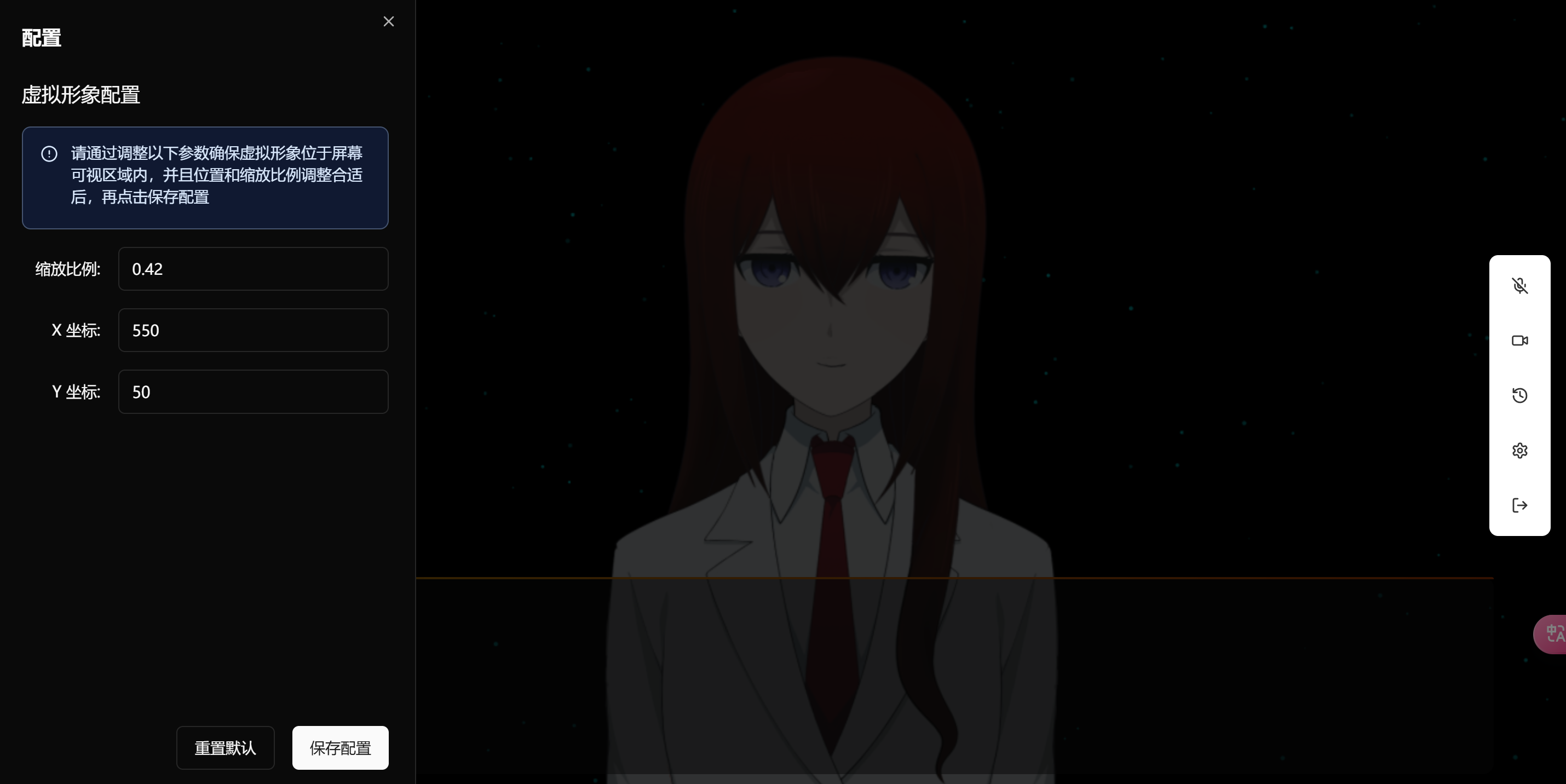
3. Character Selection
Choose your preferred virtual character and adjust related settings.
Configuration Tips
System Settings
All configurations are saved locally and don't need to be reset upon each login. You can modify these settings anytime in the settings panel.
Permission Notice
Make sure to allow microphone and camera permissions, otherwise voice and visual interactions won't work properly.